
Description
- High-concerned chemical: None
- Is touch screen: Yes
- Built-in Screen: Yes
- Din: Double Din
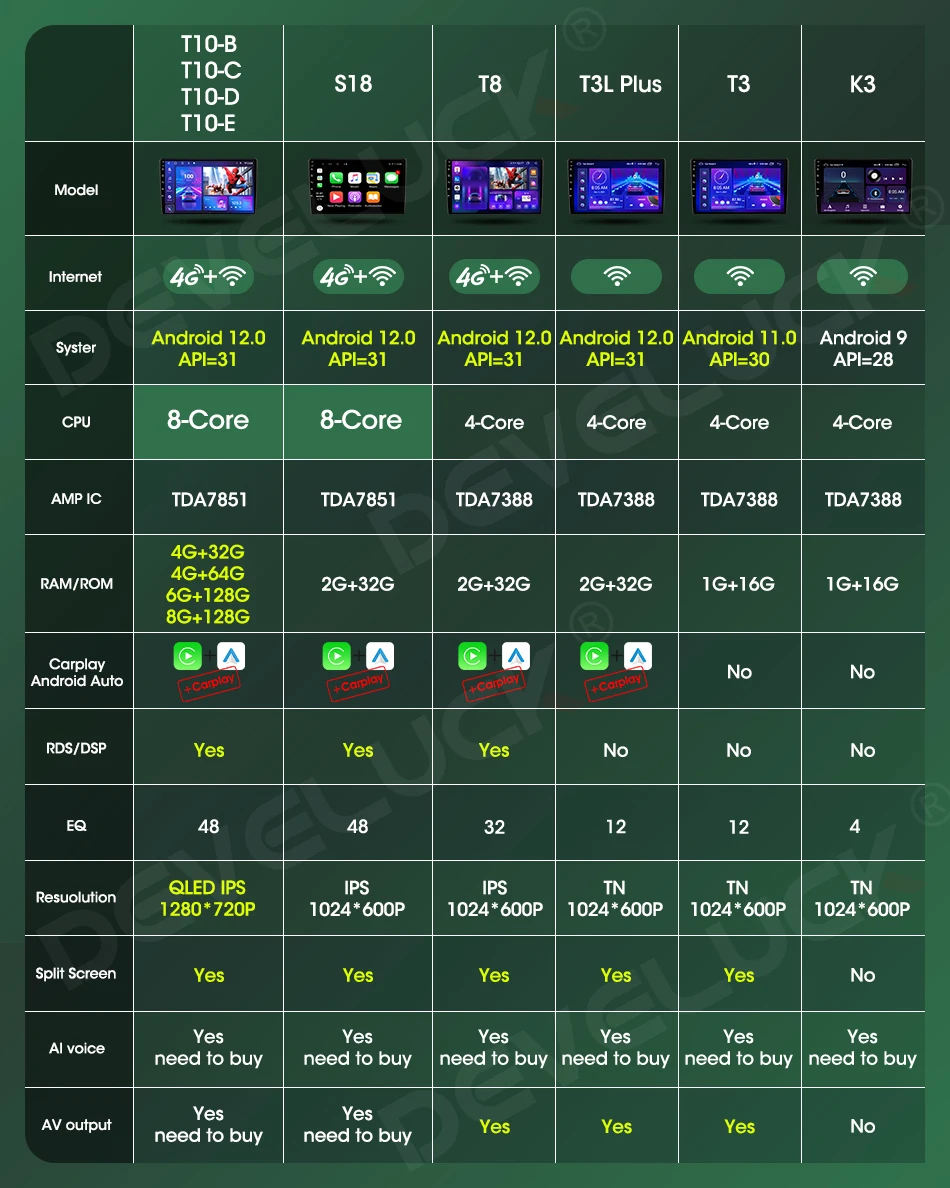
- RAM: 8G/6G/4G/2G/1G
- Interface: USB
- Operating System: Android 11
- Out Power: 4 x 50W
- Voltage: 12 V
- Item Weight: 1.6
- Item Size: 29cm*15cm*6cm
- Output Type: Colored
- Max External Memory: 128G
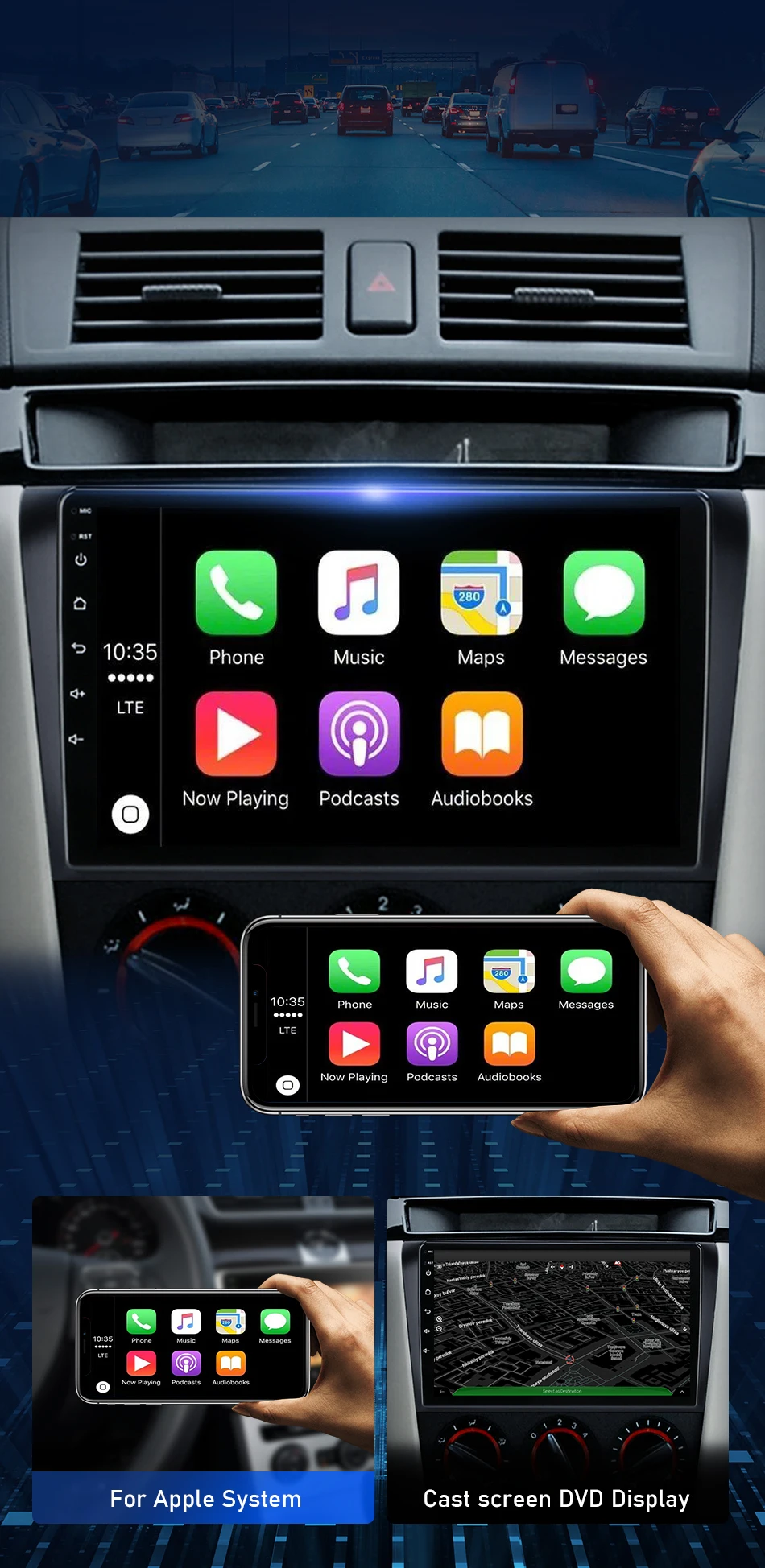
- Special Features: Built-In Speaker/Microphone,wifi function,Support steering wheel control,Support 4G Network,Support Can-Bus,Built-in GPS,Charger,Mobile Phone,dsp,CarPlay,android auto,Reversing Input,Split Screen
- Digital Media Format: Mp3,MP4,WMA,JPEG
- OSD Language: Chinese (Simplified),Chinese (Traditional),Arabic,Belarusian,Icelandic,Polish,Danish,German,Russian,French,Finnish,Korean,czech,Latin,Romanian,Macedonian,Norwegian,Portuguese,Japanese,Swedish,THAI,Turkish,Ukrainian,Hebrew,Greek,Spanish,hungarian,Italian,English,Vietnamese
- Resolution: 1280*720/1024*600
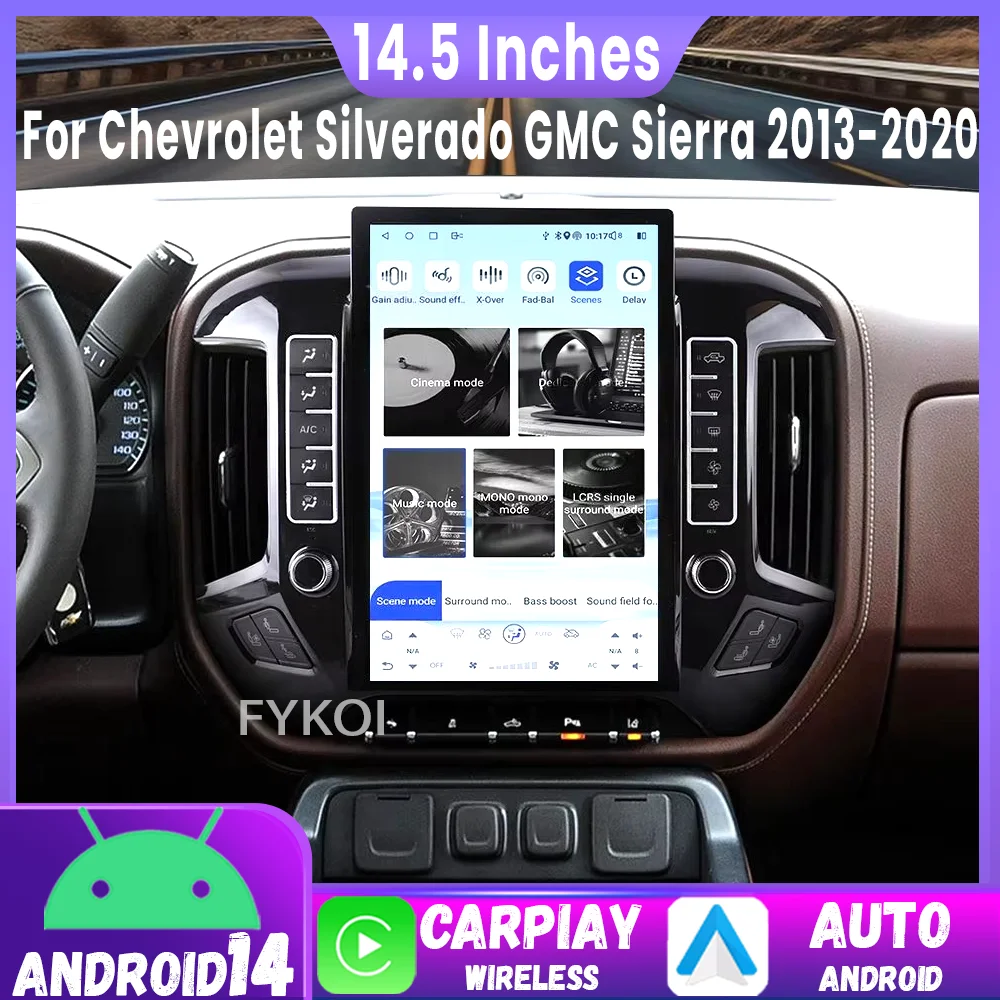
- Display Size: 9″
- Brand Name: Develuck
- Origin: Mainland China
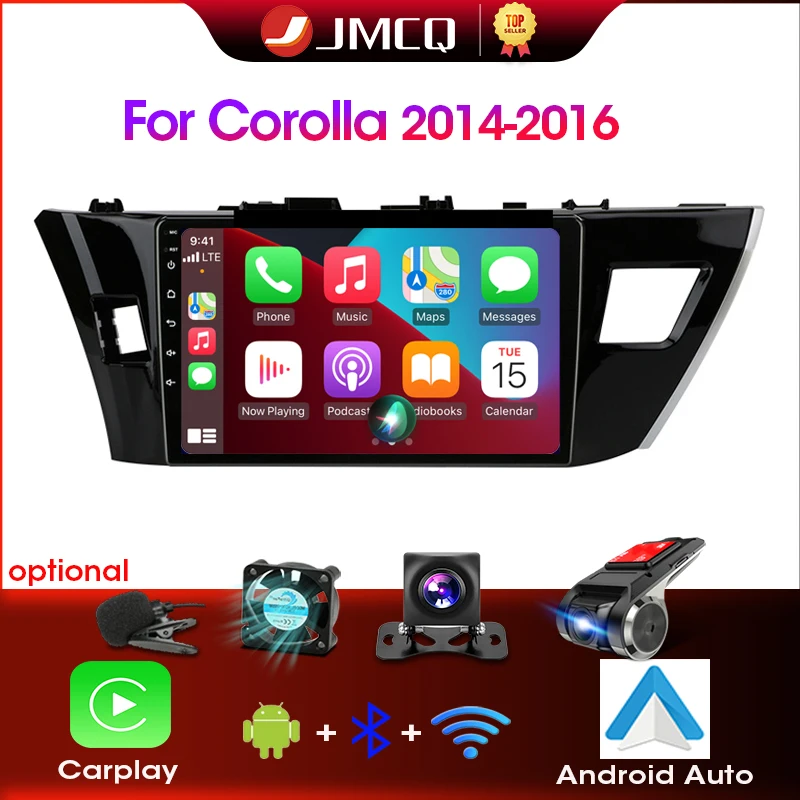
- For Vehicle Brands/Model: MAZDA
- Mazda Model: 3
- 3-Year: 2004,2005,2006,2007,2008,2009
- ROM: 128G
- Certification: NONE
- Material: Metial+Plastics
Please Caution: If your model needs to support BOSE, please contact our customer service specialist to solve it for you
The higher the Android version, the larger the memory; the more functions it will have, the more stable the system will be.
 Colorful button lights
You can change the color of the button.Only For T10-B/T10-C/T10-D/T10-E. Other versions do not have this function.
 Purchase FAQ:
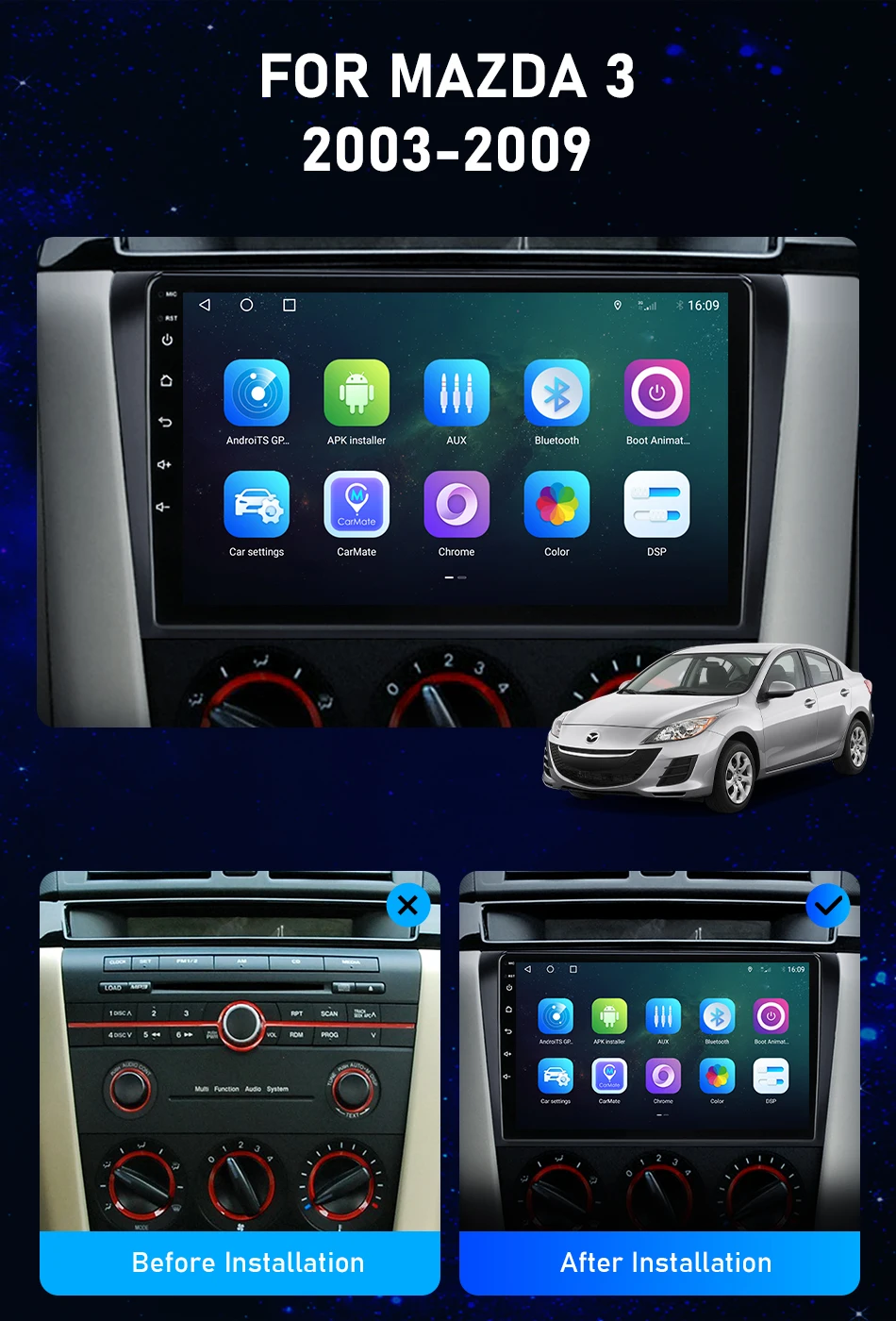
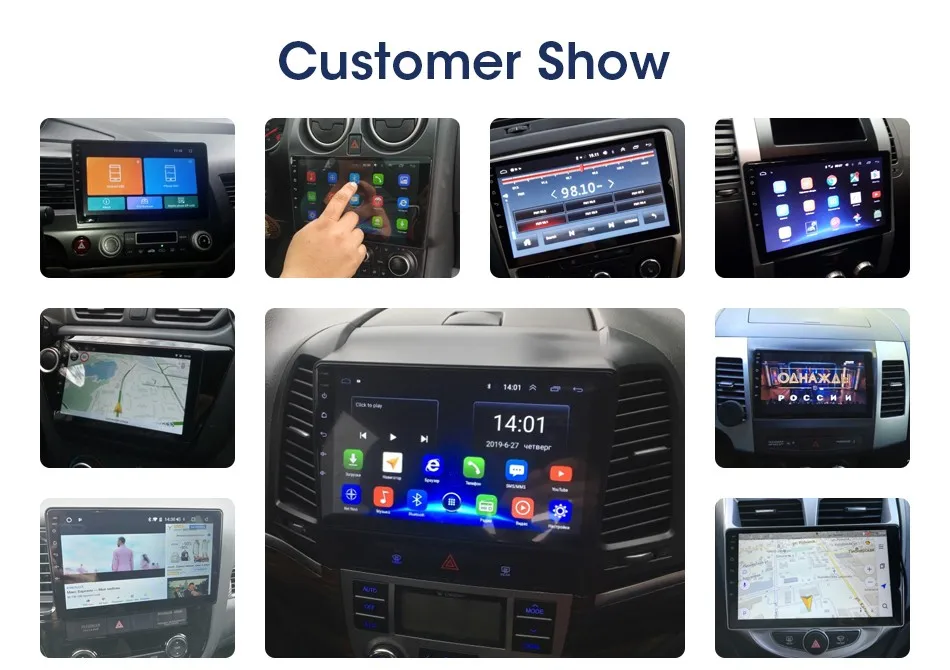
 Compared with the original car, the screen is larger, the colors are more vivid, and it supports viewing from multiple angles. The new frame is made according to the original car, which fits perfectly with your car and is easy to install.
For Mazda 3 2003 2004 2005 2006 2007 2008 2009
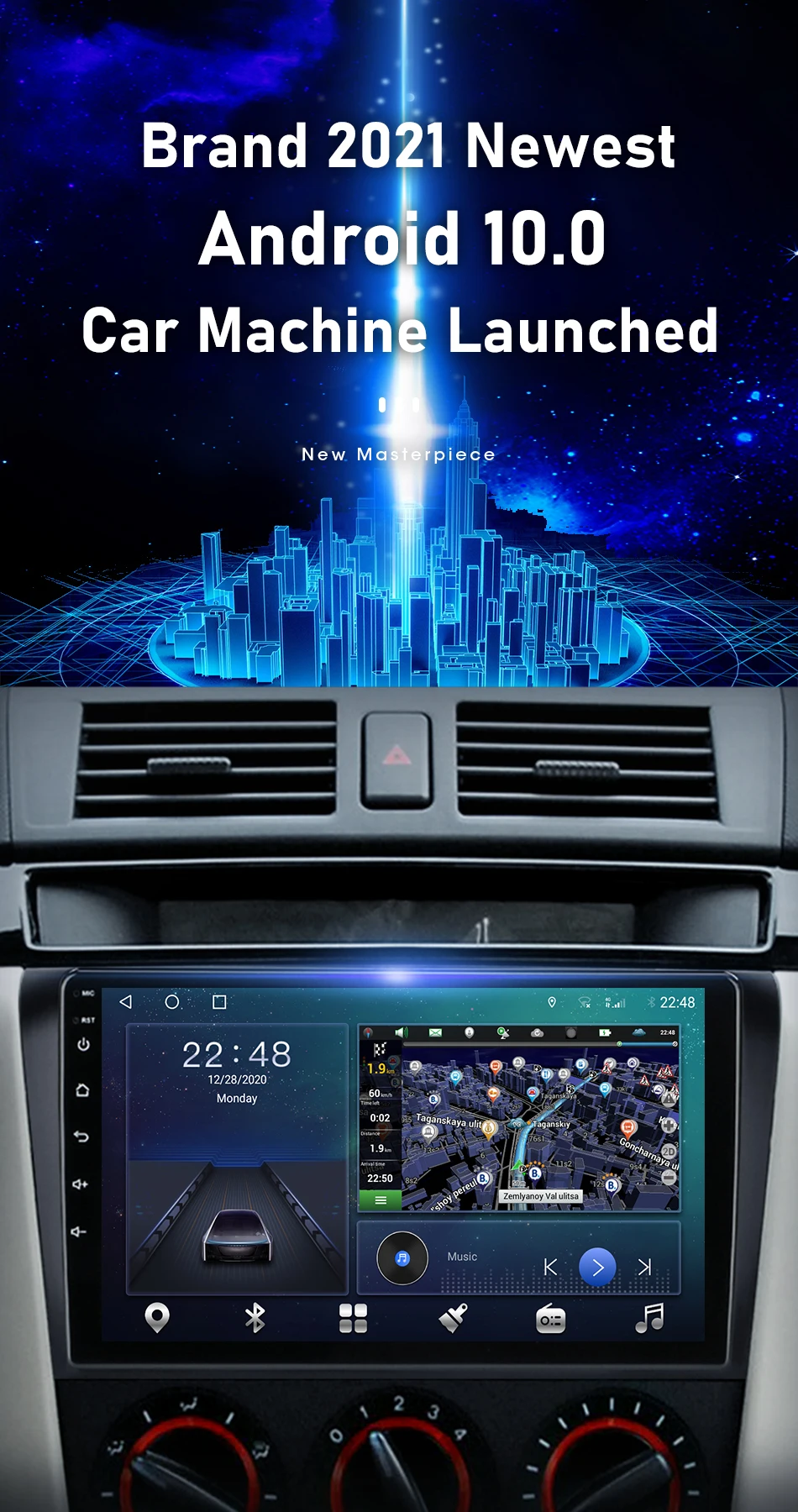
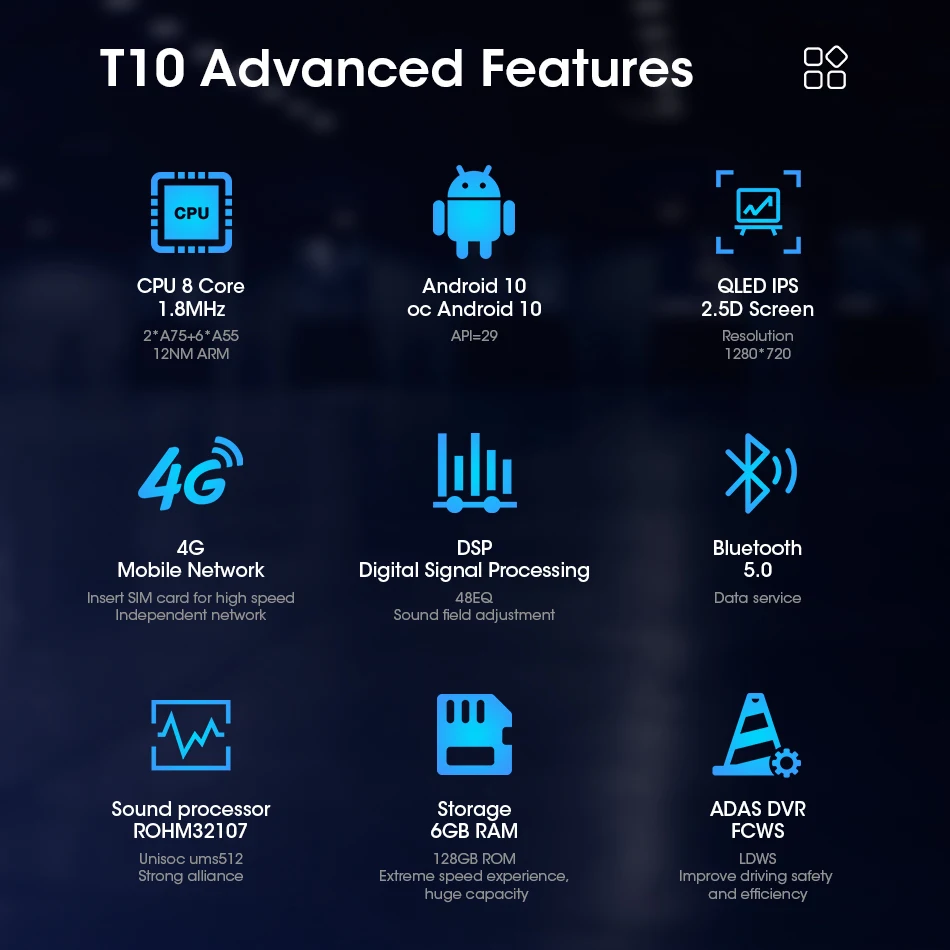
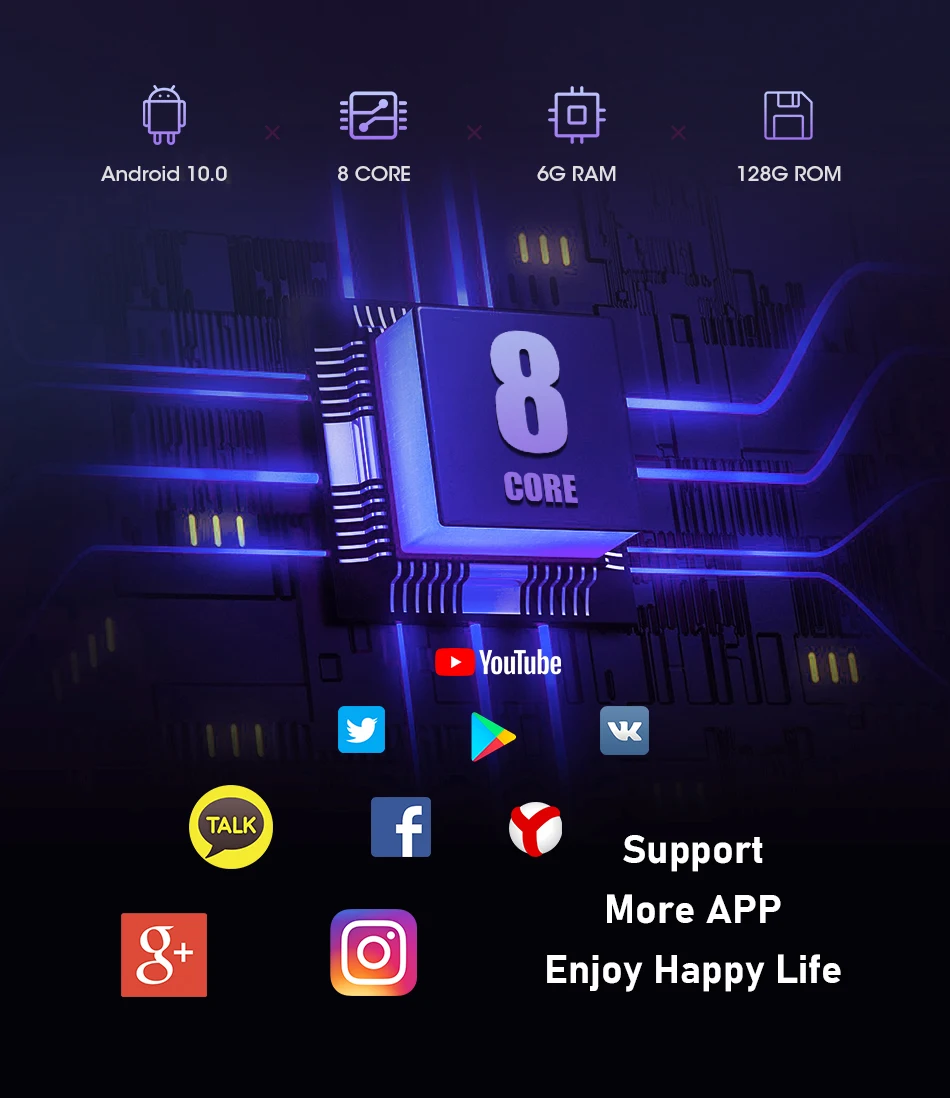
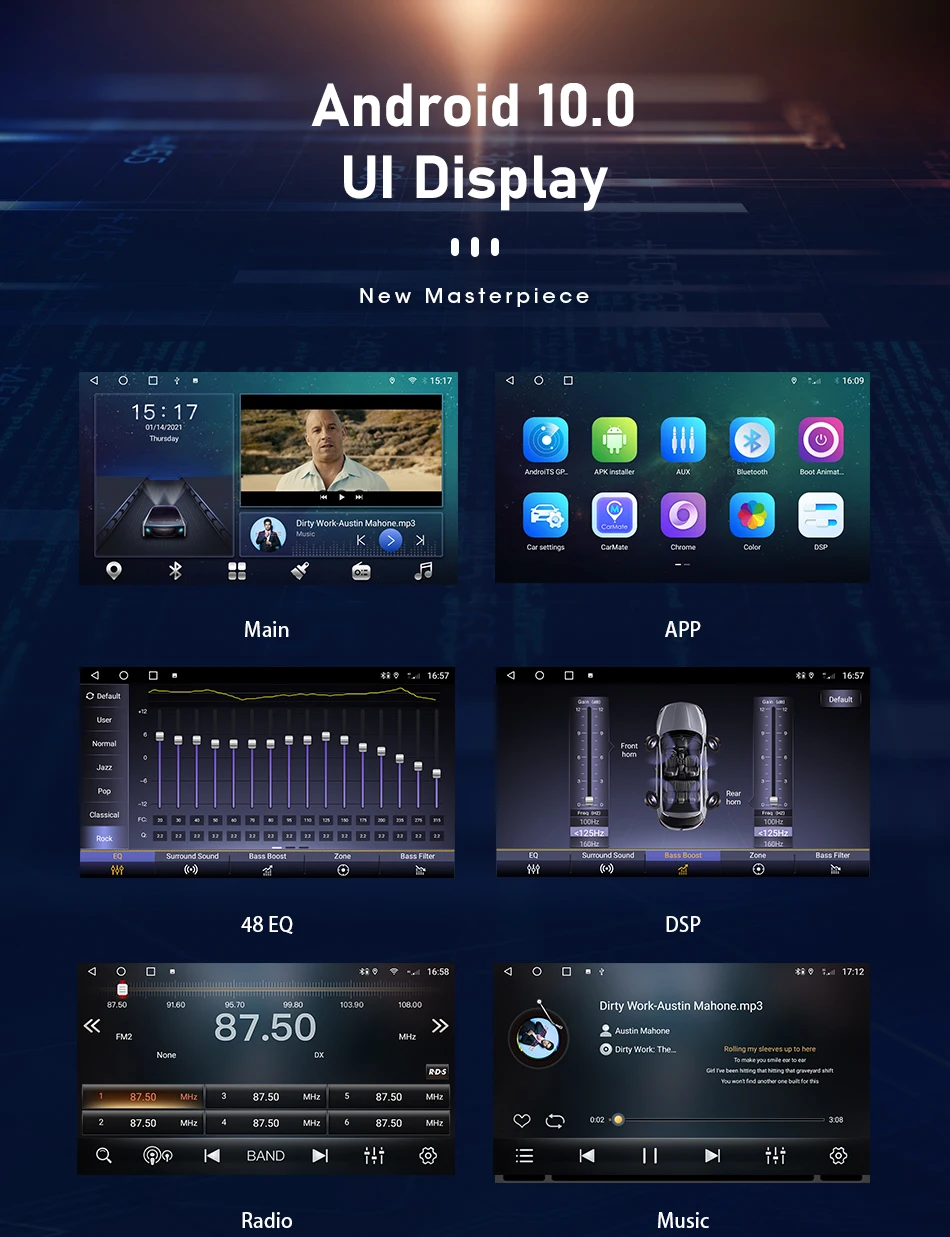
 Real Android 12.0/11.0/10.0 system, support application split screen, make your use handier, support more latest applications.
The latest technology, using advanced Android nav
igation solutions, supports more custom settings and opens more options to users.
 All radio models will install offline maps for you for free
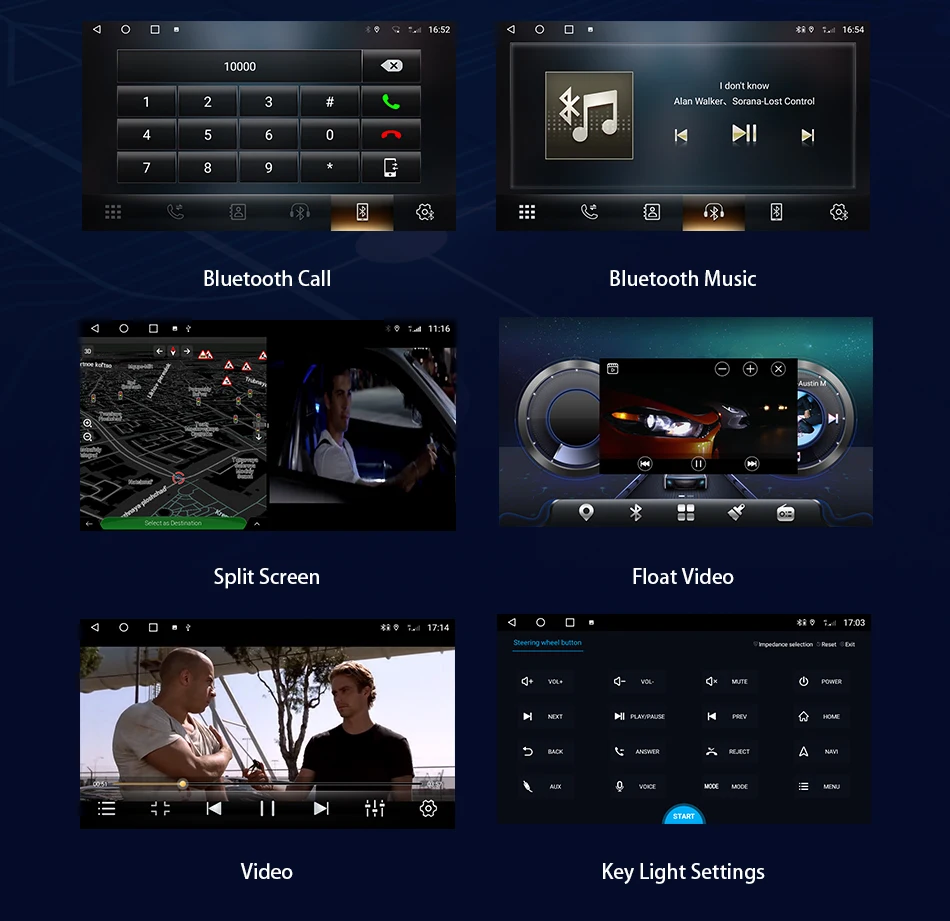
 All radio models support the steering wheel control of the original car
 S10/T10/TS10/T10plus/TS10max Support multiple 4G+WIFI Network bands
 The latest T10-B/T10-C/T10-D/T10-E version is andriod 12 8 core system, supporting 4GB RAM + 32GB ROM,6GB RAM + 128GB ROM,8GB RAM + 128GB ROM
optional, we will continue to launch more powerful machines, please pay attention to our shop Receive notifications for new products).
 Support split screen display of any 2 applications, combining at will
Support video and DVR application Of Floating Window, customize the display position, and make your driving experience full of cool colors.

Satisfy users' higher pursuit of car audio improvement
At the same time, surround sound can be set, allowing you to immerse yourself in beautiful music.

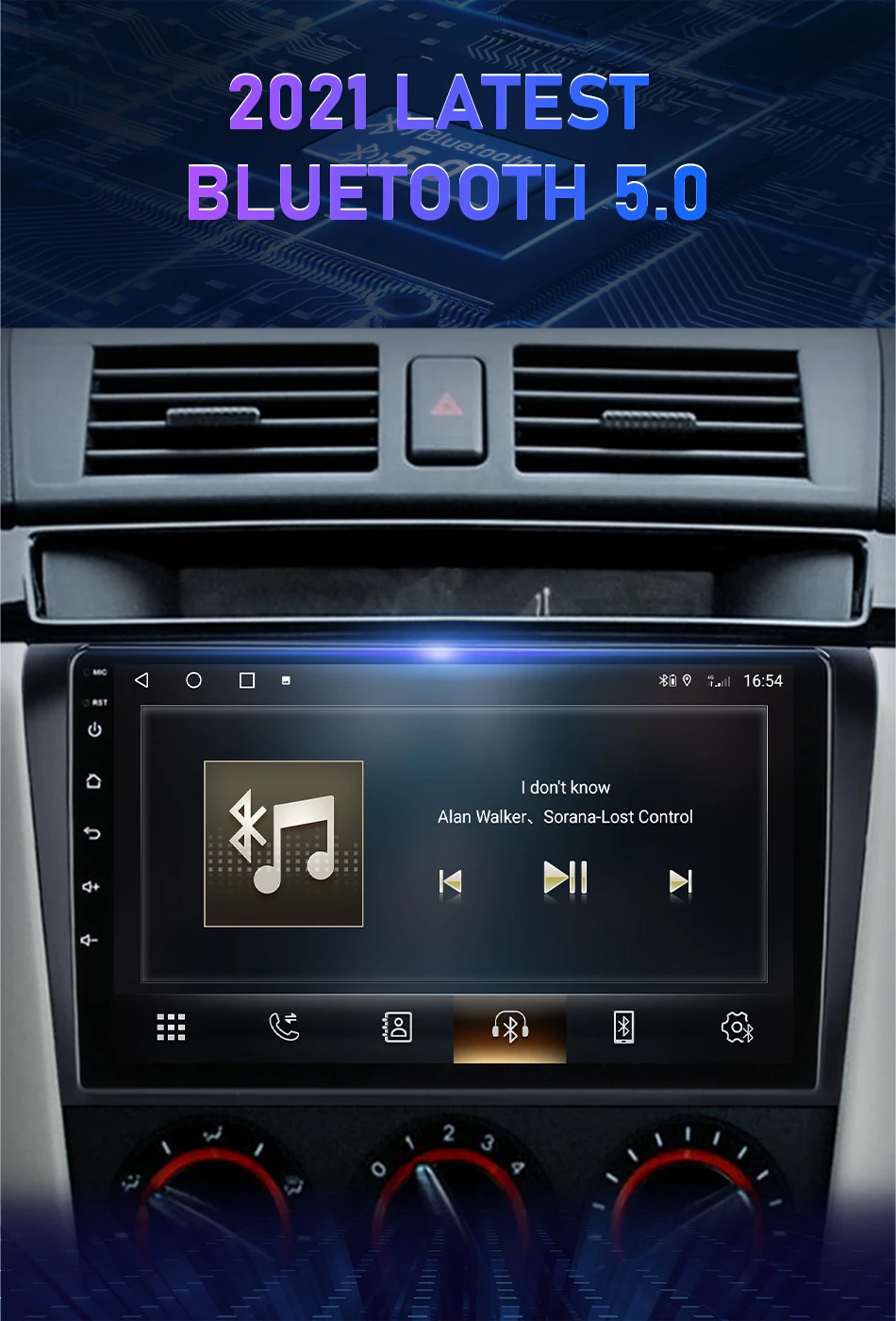
Bluetooth 5.0: Ultra-long-distance reception of Bluetooth signal, stable signal, anti-interference
Supports reverse display. When the car is in the reverse mode, the radio will instantly switch to the screen at the back of the car to ensure your driving safety.
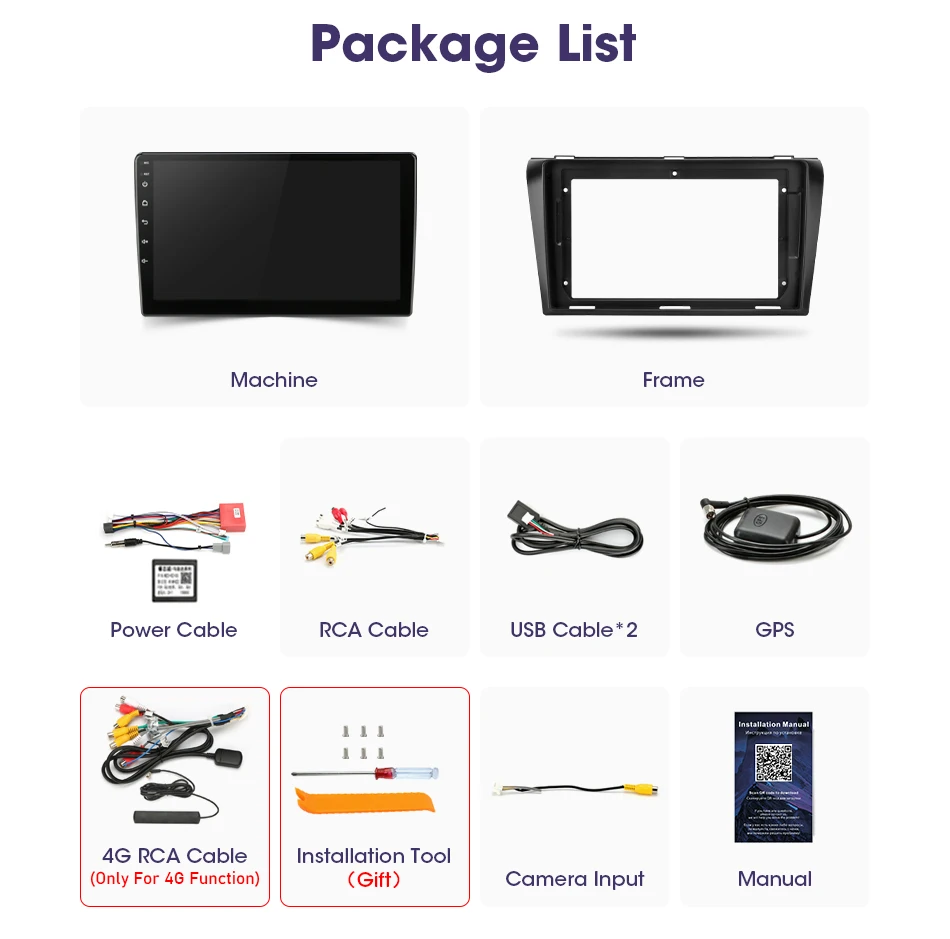
If you don't have the original camera, you can buy it by clicking "BUY NOW" in the picture below

Supports connection to ADAS DVR. ADAS DVR has multiple built-in assistive driving technologies, inserting high-quality TF memory card to record every moment of your driving.




FAQ:
1.Why can't turn on the car radio ?
1.1Please check the Voltage of car radio : 12V
1.2When you test this car radio,you can combine the red and yellow wires and connect them to the positive side of the power supply.Black line to negative power supply.
1.3Replace the same type of insurance to test the car radio.
Note: Please must use our power cables to connect our car radio,it is not possible to insert the original car plug directly into our machine.
2.Why the car radio will show "No Signal" when we reversing?
Please check if the camera's line is properly connected to the car radio.
Note:The video port of rear camera must insert the "CAMIN" port of car radio.
3.Why does the camera display "!" and "Can't watch video while driving" when I use USB to watch videos?
Please turn off the "Video Warning" function in the settings,then will be OK.
4.Why can't search FM?
4.1: No radio antenna inserted;
4.2: Please check if the radio antenna is plugged in. Please insert more antennas several times to make it well contacted;
4.3: The signal of your location is not good. Please go to a better place to test again
4.4: The radio antenna on the car is broken/no effect; please replace the radio antenna and test again.
5.Why can't connect the Bluetooth of car radio?
5.1.Open the phone settings interface, open the Bluetooth in the Bluetooth function, search for Bluetooth devices, find the player's Bluetooth model to be paired.
5.2.Please try to use another mobile phone to test this function.
All methods are correct and still cannot use Bluetooth, Please unplug the plug on the back of the player and plug it in after 3 minutes.
6. What is the difference between WiFi and 4G?
6.1.The device has functions such as navigation, playing music, and video. However, in order to connect your machine to the Internet, you need to use your smartphone as a modem. Therefore, for those who use the Internet frequently while traveling, we recommend buying a version with 4G. Because if you keep your phone in modem mode, it will discharge quickly.
Please don't give us bad reviews and disputes before contacting us. If there is any problem with the product please contact us first, we will help you solve the problem.thank you!