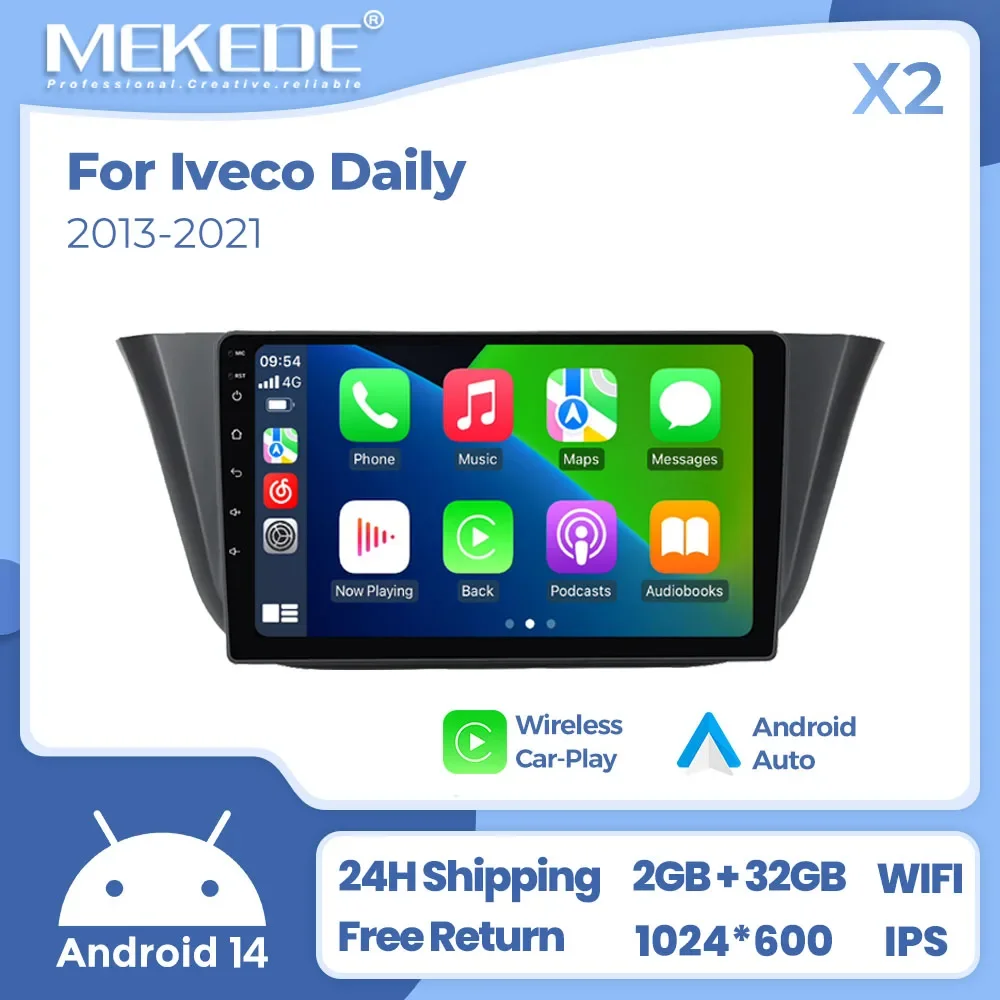
Description
- High-concerned chemical: None
- Warranty: 2
- Built-in DVD Player: No
- Built-in CD player: No
- Processor Speed: 4-core
- Is touch screen: Yes
- Built-in Screen: Yes
- TF/Micro SD Slot: 0
- Din: Double Din
- RAM: 1G/2G
- Interface: plug and play
- Operating System: Android
- Out Power: 45*4W
- Voltage: 12 V
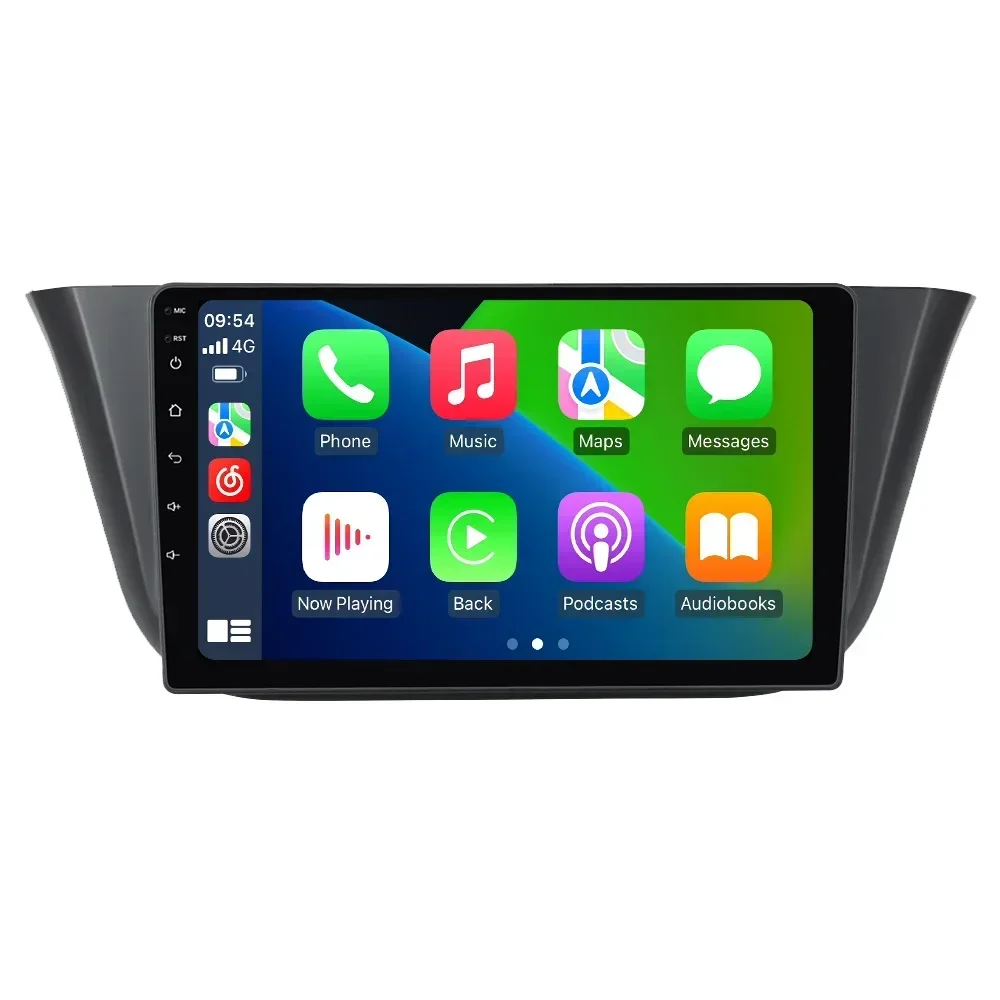
- Item Size: 9Inch
- Output Type: Colored
- Special Features: wifi function,Support steering wheel control,Support Can-Bus,Built-in GPS,MP3 players,CarPlay,android auto,Reversing Input
- Digital Media Format: Mp3,MP4,WMA,JPEG
- OSD Language: Chinese (Simplified),Chinese (Traditional),Arabic,Irish,ESTONIAN,Belarusian,Bulgarian,Icelandic,Polish,Danish,German,Russian,French,Filipino,Finnish,Korean,Dutch,czech,Croatian,Latvian,Lithuanian,Romanian,Malay,Norwegian,Portuguese,Japanese,Swedish,Serbian,Slovak,Slovenian,THAI,Turkish,Ukrainian,Hebrew,Greek,Spanish,hungarian,Italian,English,Vietnamese
- Resolution: 1024*600
- Display Size: 9″
- Brand Name: STRONGNAVI
- Origin: Mainland China
- For Vehicle Brands/Model: IVECO
- ROM: 16G/32G
- Certification: CE,FCC
- Material: plastic and metal
- Android OS: 14.0
- Screen material: IPS
- Screen resolution: 1024*600
- GPS: support
- WIFI: support
- BT: support
- Reversing camera: Choose to buy
- DVR: Choose to buy
- CarPlay: Support wired and wireless
- Android Auto: Support wired and wireless
- X1: 1-16G
- X2: 2-32G
- Screen: 9inch

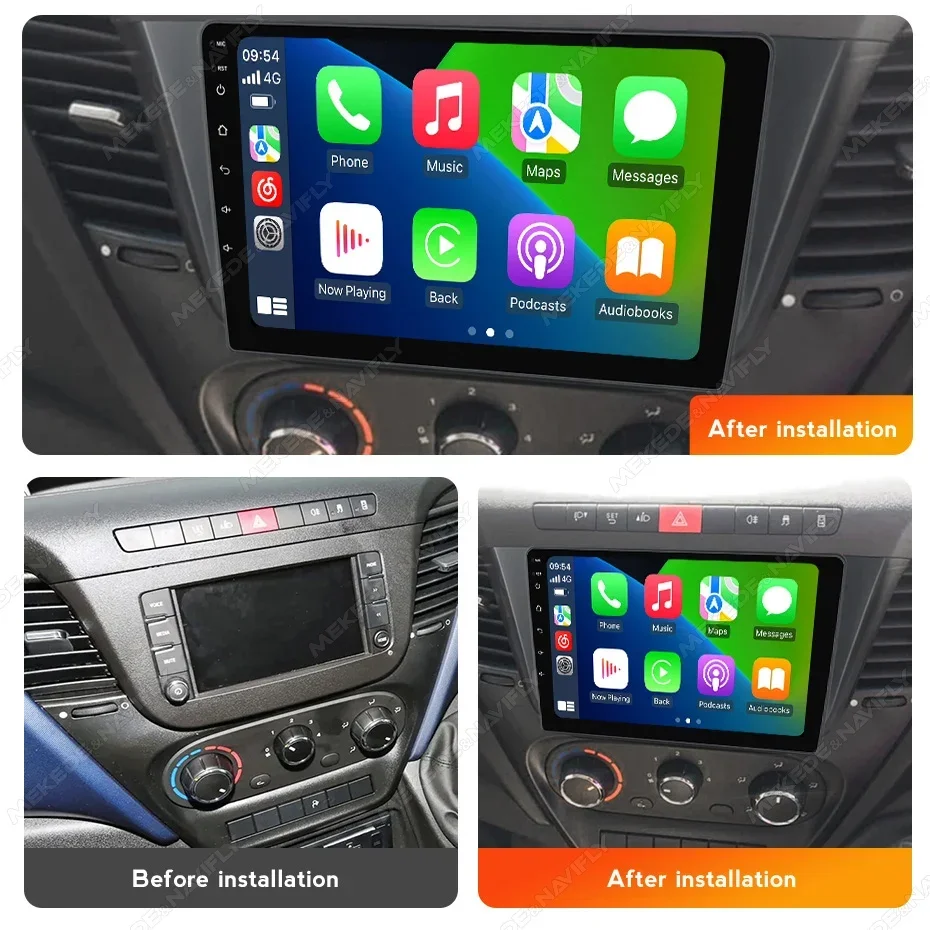
️Note: Compatible list is just for refernece , please confirm shape & size of center console before order.

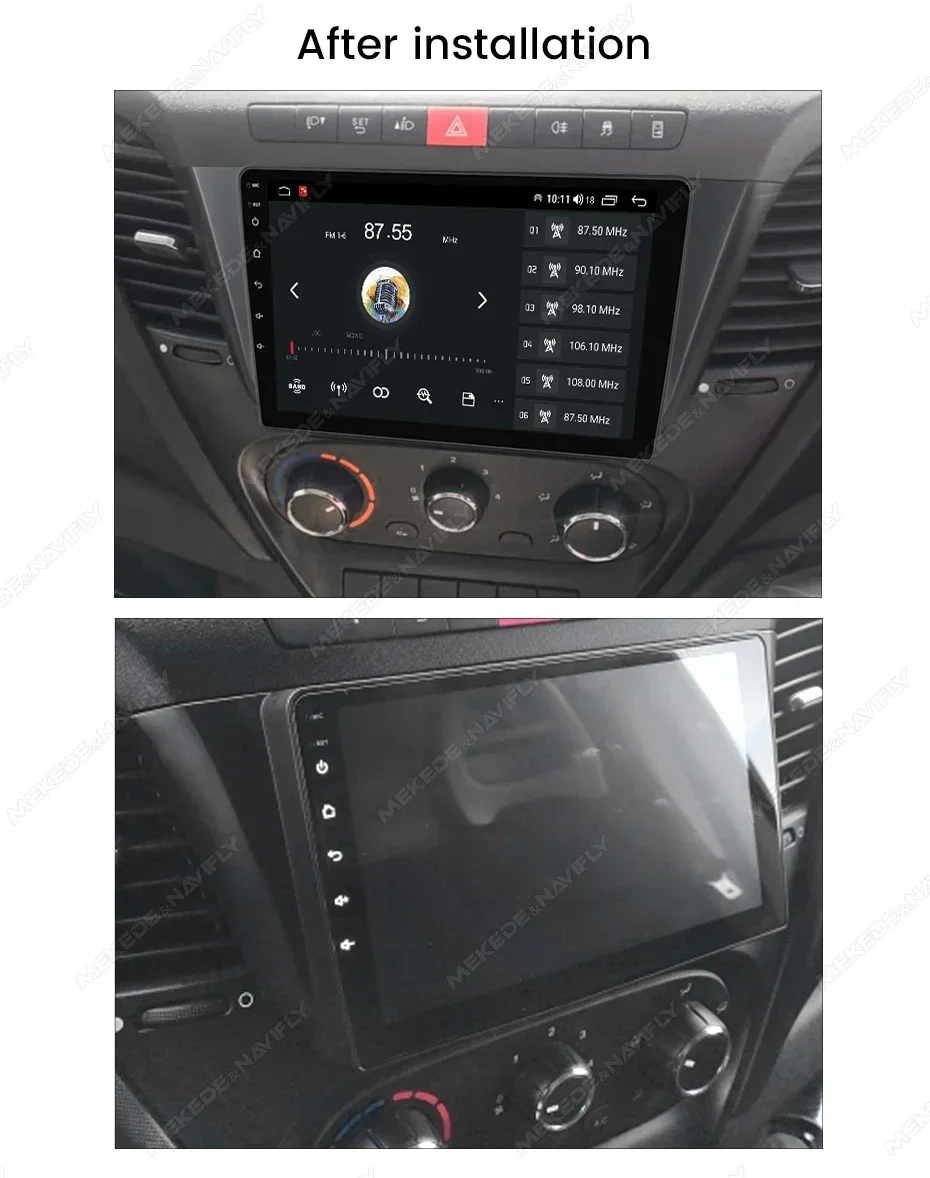
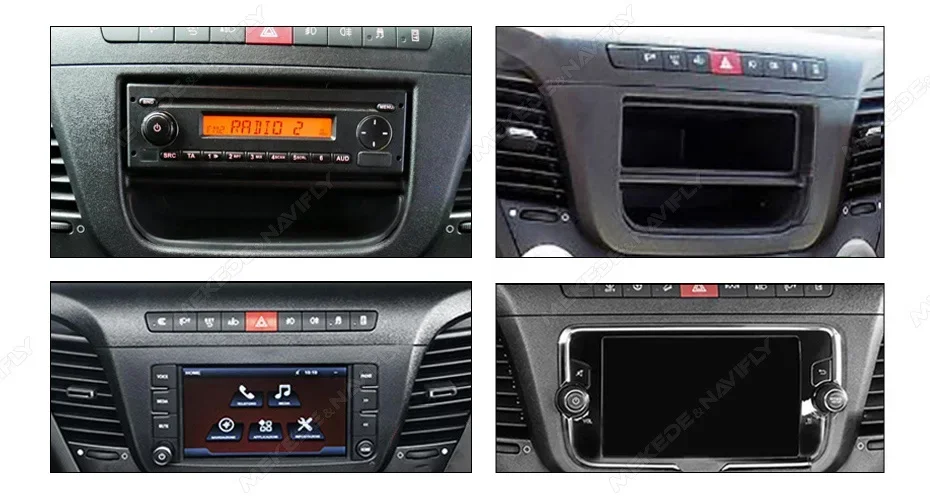
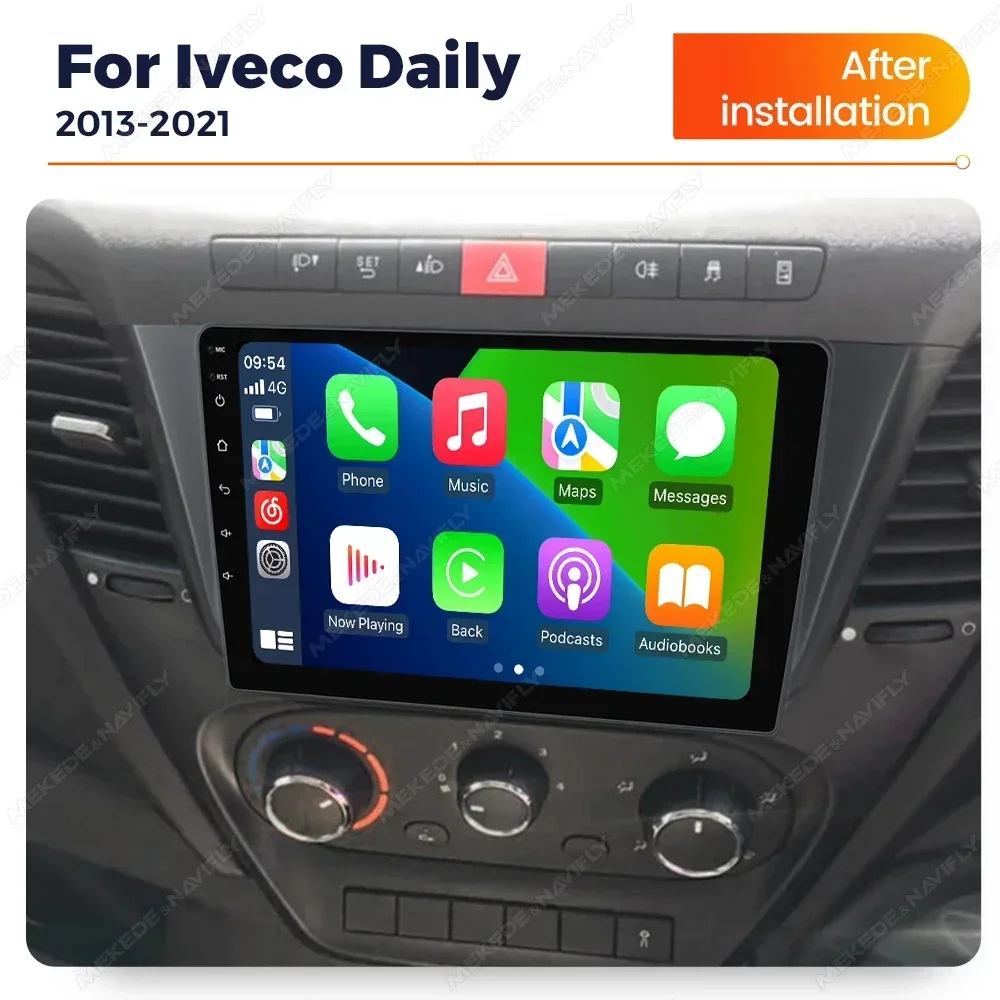
 Please Note!
1: we default lso cable.
2: lf your car is such a cable or the original car has a screen.You need to buy the B cable separately 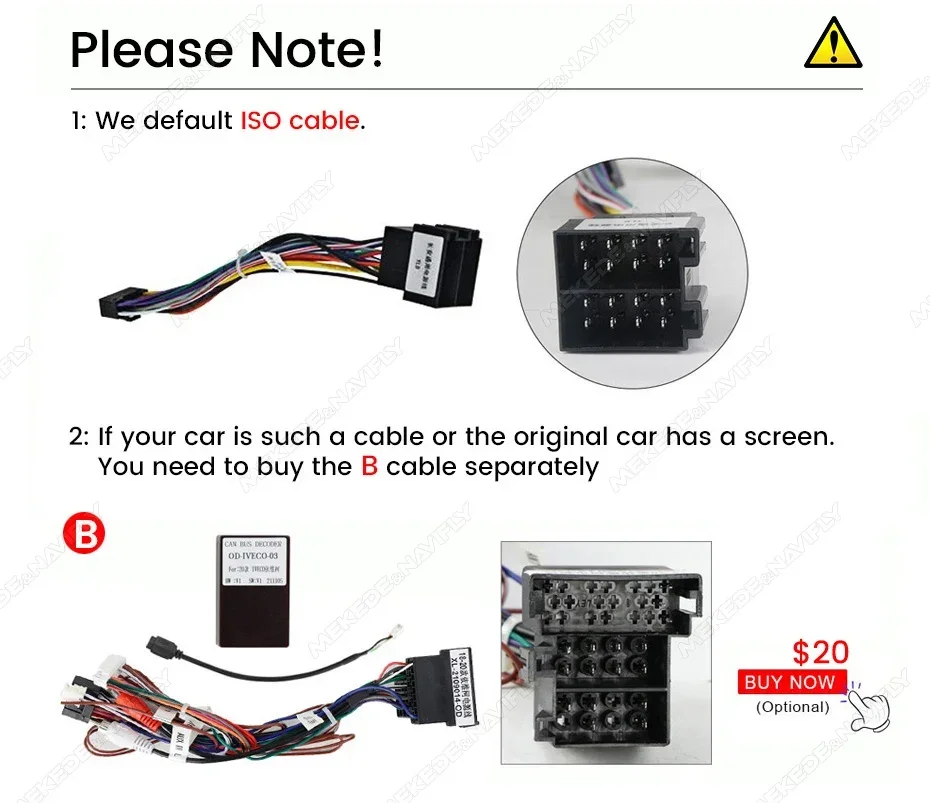

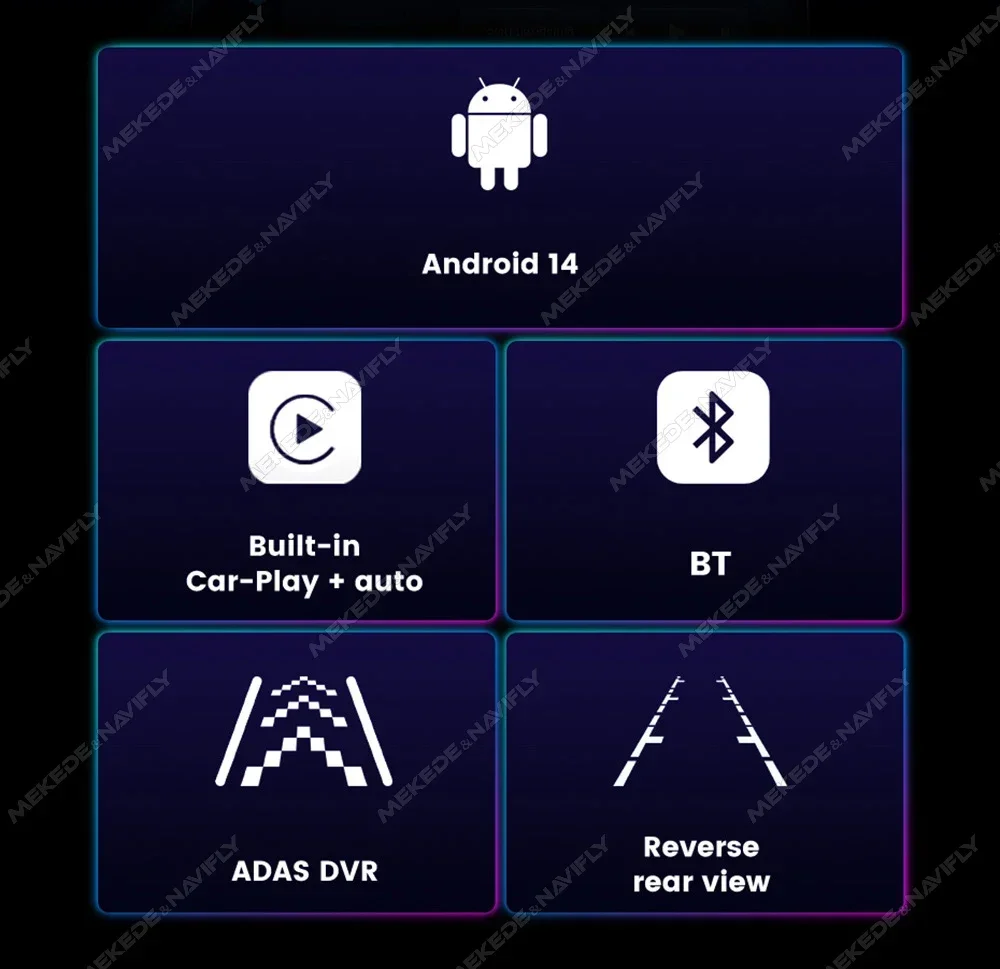
●X1(1+16G) , X2(2+32G)
●support carplay & andorid auto
●OS Android 14,4-core,IPS screen 1024*600,wifi internet,FM radio
●camera/DVR is optional(-A with camera,-B with camera DVR)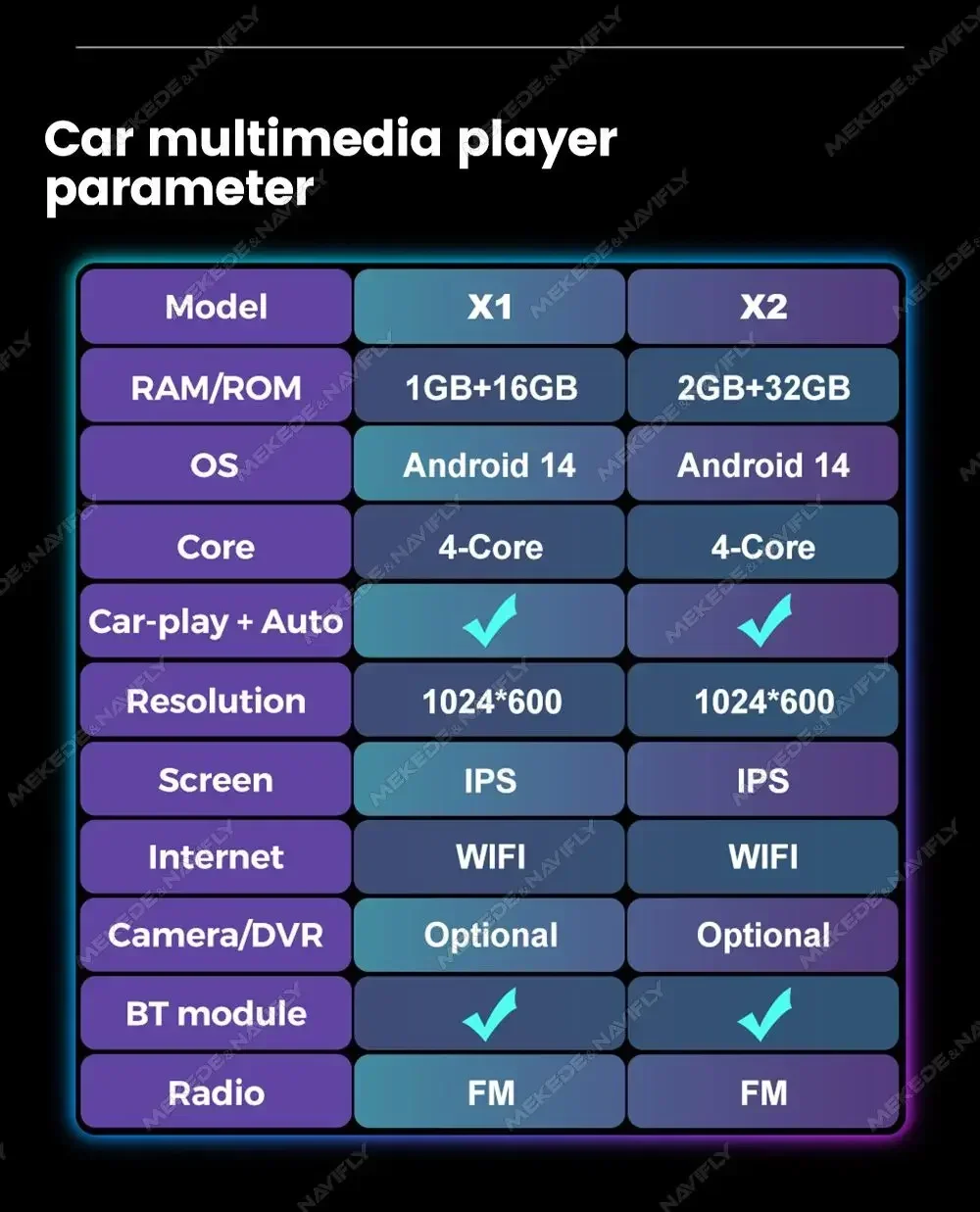
Main menu,The latest main menu will make driving easier and the car cooler.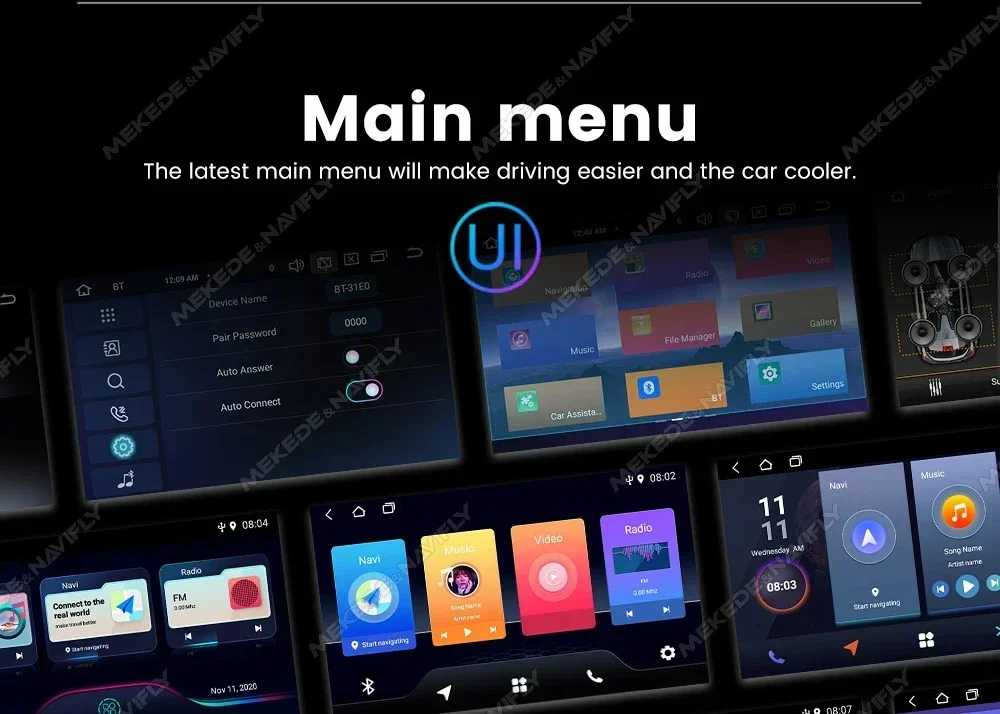
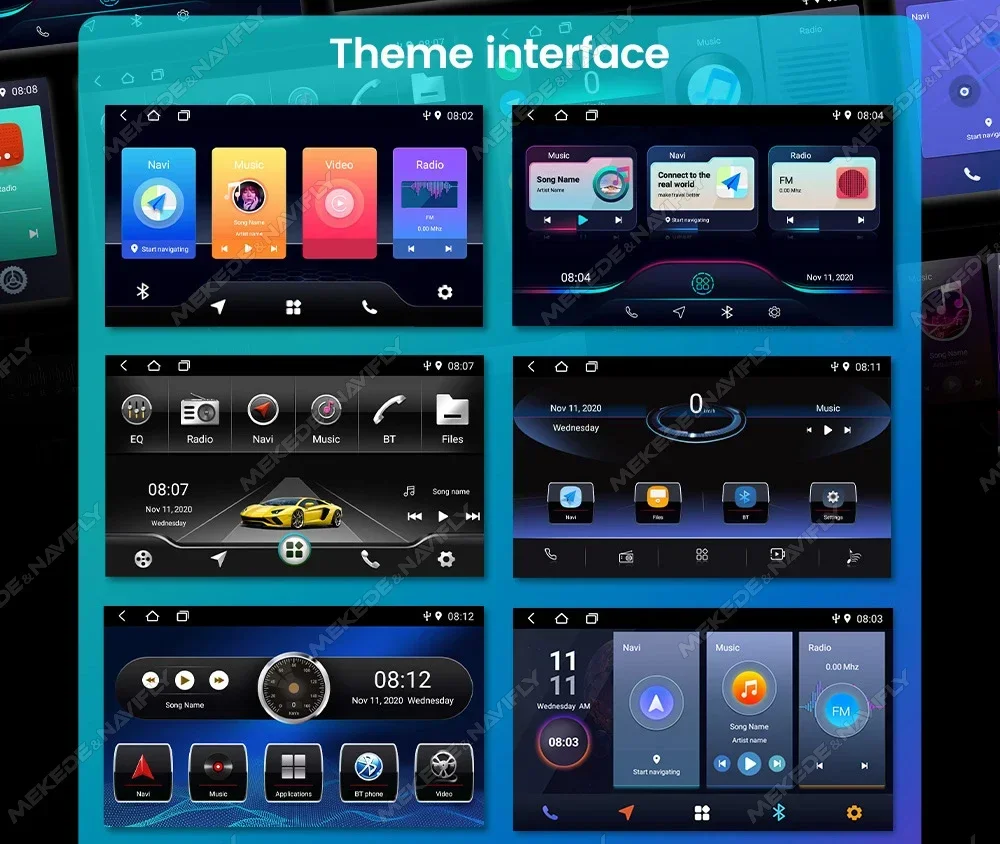
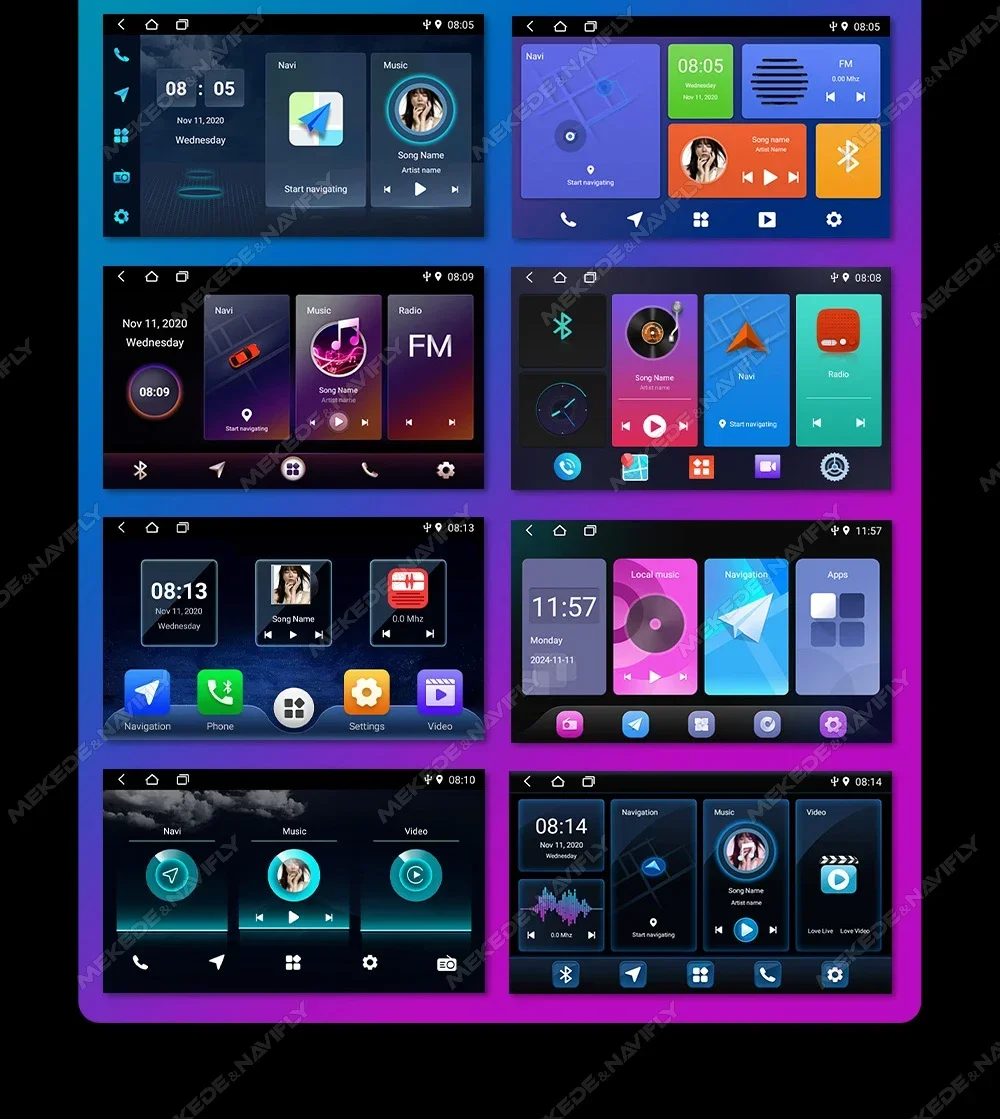
Car dvd player comes with car-play andorid auto function, not need purchase additional accessories.
●wireless Car-play Connection steps:1.Connect BT2.Click on "R Lin-k"and wait for connection(Note: Car-play can also be connected via USB Cable)
●Wireless andorid Auto Connection steps:1.Connect BT 2.Click on "Android Auto APP"and wait for connection(Note: Android Auto can also be connected via USB Cable)
FM radio,lt supports outomatic search and manual search, you can drag the icon of target station and replace it into channel list.
steering wheel contorl,Take control of the music or use hands-free calling function for safety to and concerntrate on the road ahead.This head units steering wheel control(SWC) works with a digital SWC.
Multiple Languages,English, German,French, Spanish, Italian,Portugese,Rusian, Dutch,Polish,Japanese,Simplified and Traditional Chinese,Arabic, etc.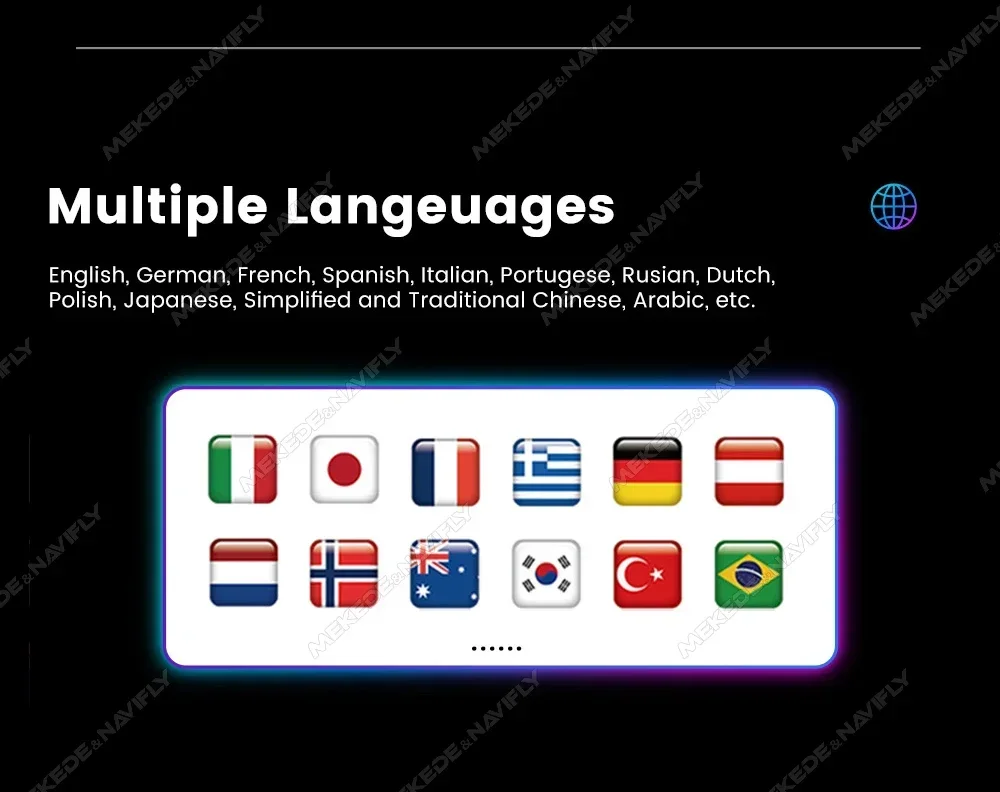
Resolution 1024*600,The ultra-clear screen display effect is greatly improved the screen display is more delicate.
1080P video decoder, True Color 24 HD- Display.Support perfect APE music 3D acceleration allows fluent playback at any section of your USB/SD quality video.
Built-in smart BT system, can support mobile phone BT pairing,hands-free doaling support steering wheel button street listening,accompanying chat to ensure your driving safety.
GPS Navigation,Built-in global positioning system, omni-directional map display,synchronous display real-time traffic conditions, rapid and accurate positioning.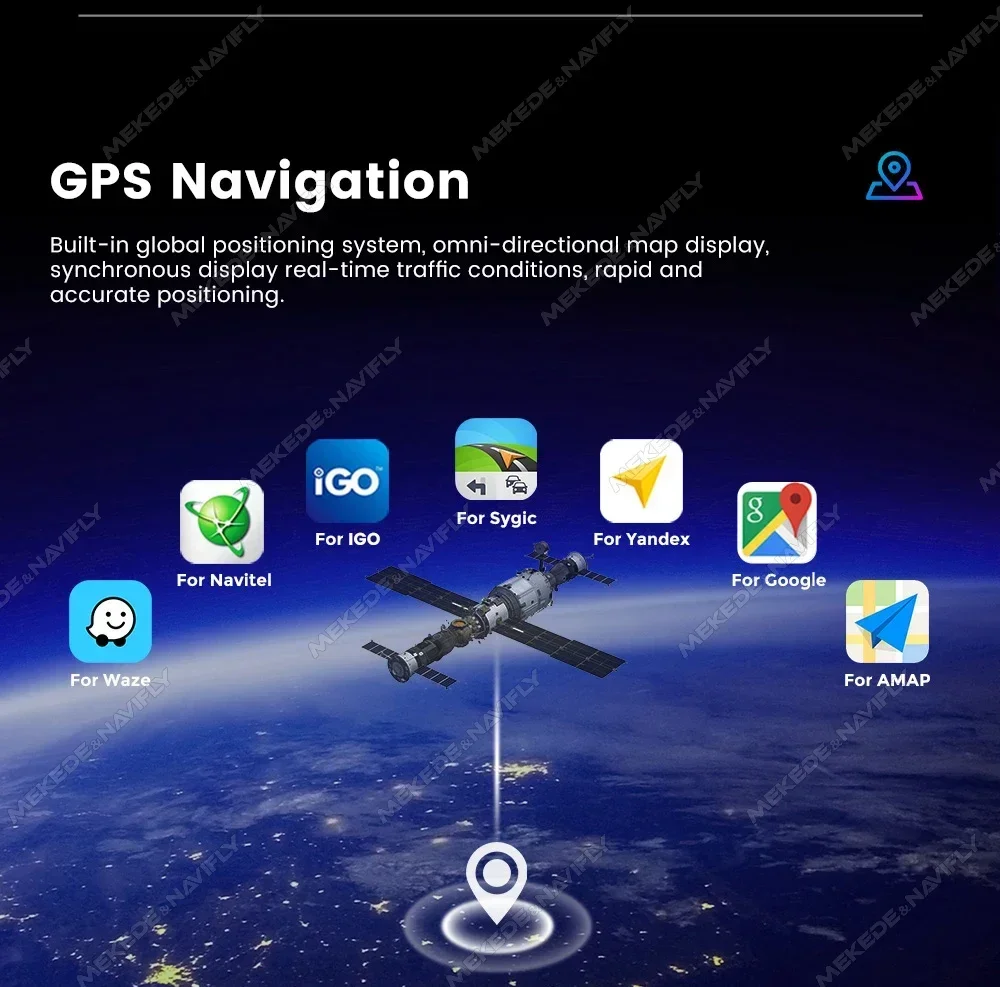

reversing Video,The picture quality of rear-view video is clearer than that of ordinaty camera.(Note:Rear view
Camera is not included please click to purchase)
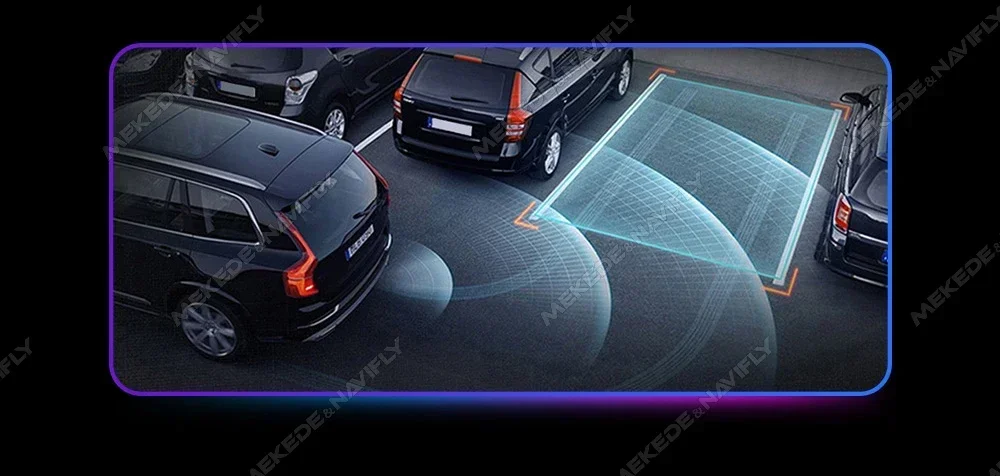

ADAS DVR,Anti-collision warning driving recorder Front vehicle distance prediction, front vehicle anti-collision warning and lane departure warning make driving safer.(Note: DVR is not inclouded,please click to purchase)


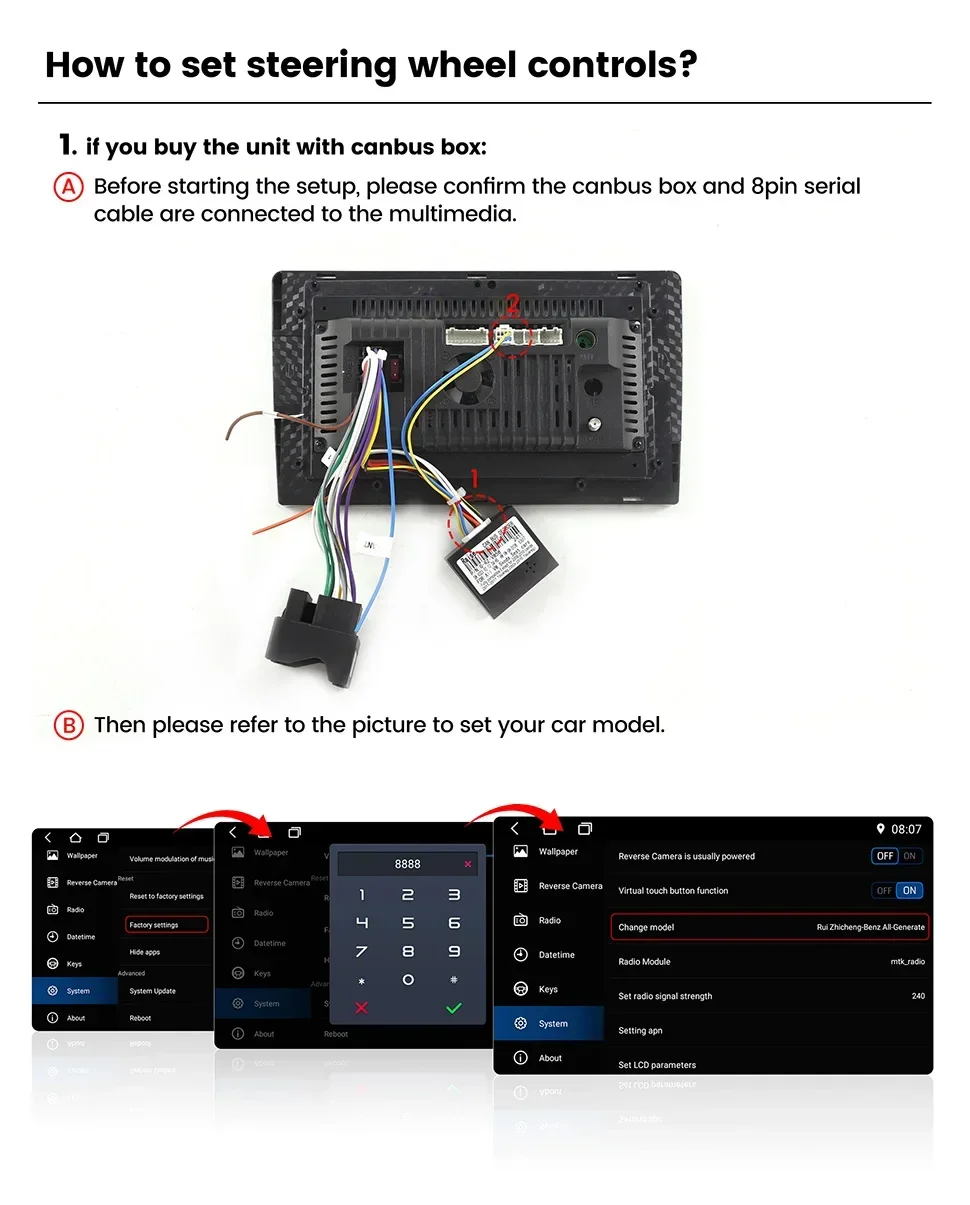
️How to set steering wheel controls?
1. if you buy the unit with canbus box:Before starting the setup, please confirm the canbus box and 8pin serial cable are connected to the multimedia.Then please refer to the picture to set your car model.
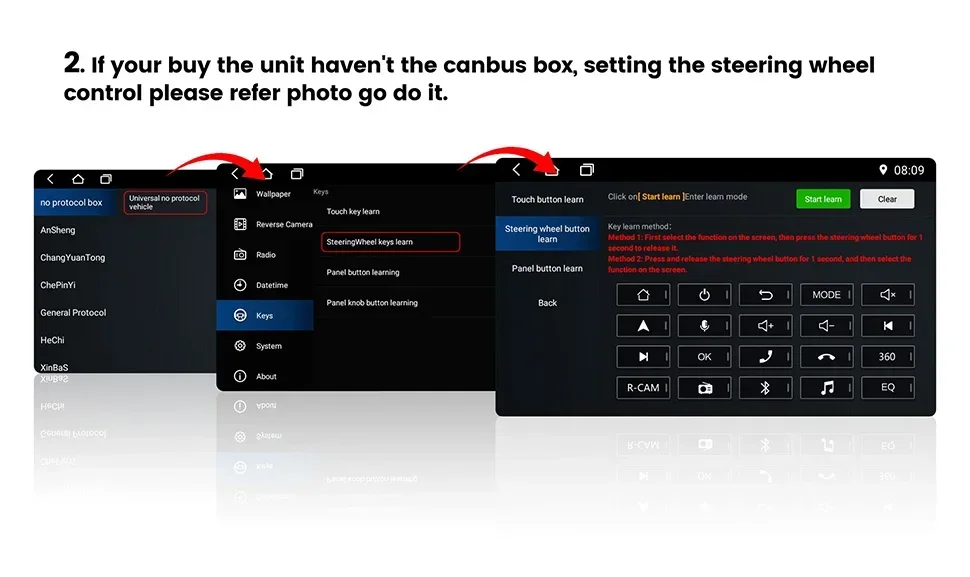
2. if your buy the unit haven't the canbus box, setting the steering wheelcontrol please refer photo go do it.
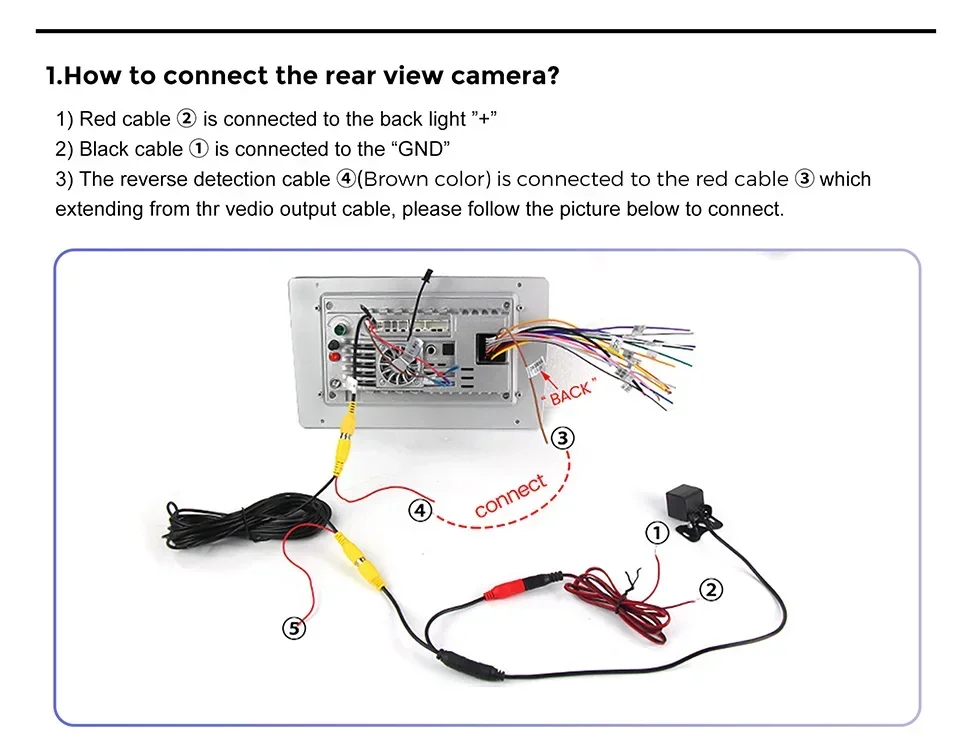
️How to connect the rear view camera?
1) Red cable is connected to the back light "+"
2) Black cable is connected to the "GND"
3) The reverse detection cable ④(Brown color) is connected to the red cable ③ which extending from the vedio output cable, please follow the picture below to connect.
️How to connect wireless Carplay and Android Auto?
1.For the first connection, need to turn on the phone's Bluetooth to peer with the car's Bluetooth.
After the pairing is successful, the car radio will automatically jump to the R link or AutoLink interface
2.At this time, the phone pop up a prompting message "use CarPlay with ZLink or AutoLink ",click confirm it,Then the CarPlay will be connected